Rooting Xiaomi Poco M4
This time we will rooting a Xiami Poco M4 device, byapssing Xiamo restrictions that require you to have unattainable requirenments in your MI account. That said you need a Mi Account asociated with the target device an a valid SIM CARD on it.
Prepare the device
- Enable developer mode going to “Configuration” – “About phone” – touch seven times the last option called “Build number”
- Now in the “System” / advance options you will saw the “{ } Developer options”, there you have to enable “OEM unlocking” and “USB debugging”
- Download the ROM for your device here, choose the same on your OS, go for the GLOBAL and the Fastboot ROM version
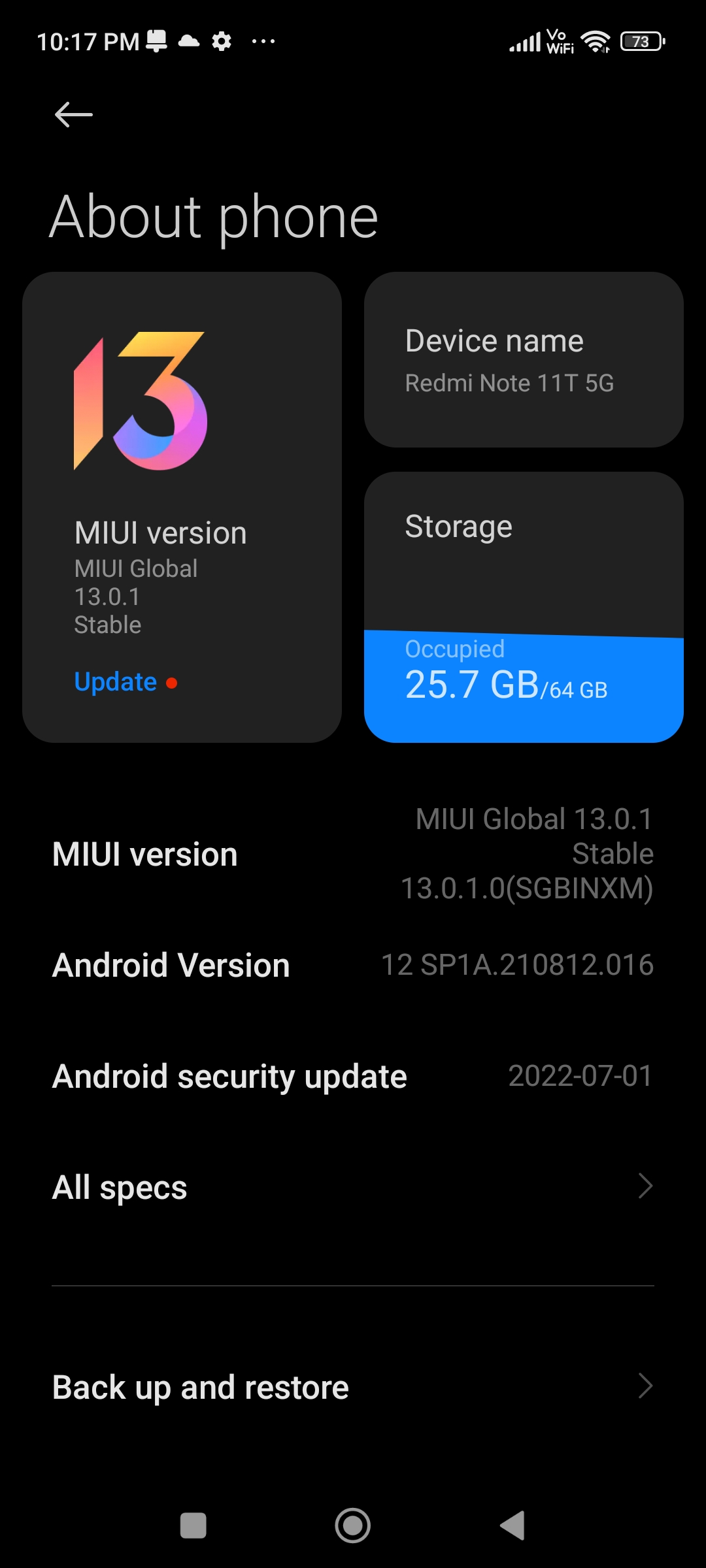
- Download the Xiaomi Drivers from the official page.
- Upload Magisk app into the device and the boot.img you go it form step 3
- Patch the boot.img with Magisk app
- Use adb to pull the patched img to your computer.
Unlock the Bootloader
You can try using mktclient mtk da seccfg unlock but for me this not work.
The other option its using the official tool form MIUI, but since 2022 i think, they decide to not allow unlock the bootloader unless you meet some unattainable requirementes with your MI Acoount.
So what ?
The Exploit
Making some research on this appear in some Reddit forum a reference to a php exploit that bypass this restriction using a hardcoded data from an account or a device with the permission in combination with some IDOR that allow to use this data in your account.
Running this exploit
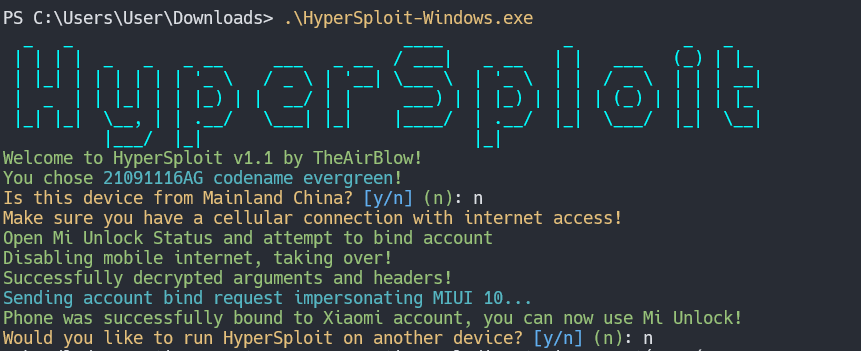
Its works, now we need to wait 7 days to unlock de bootlaoder.
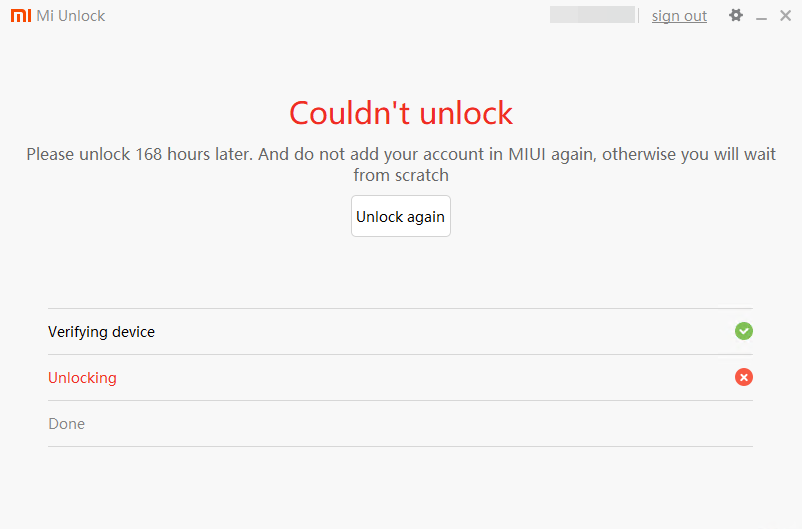
7 Days after
Something funny that happend next time i lunch Mi software its i had to change my password, probably due to the exploit.
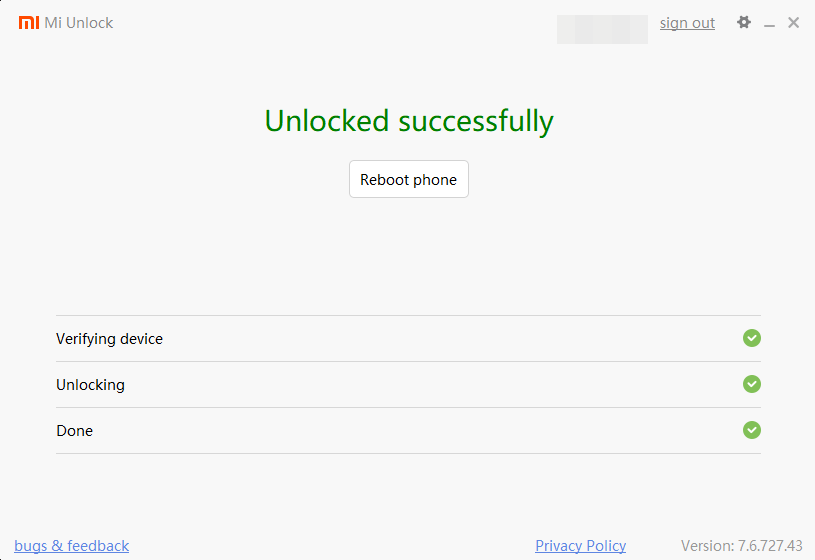
Now we just need to boot the patched image we created with magisk.
